

From first invite to final report.
Zoho Backstage runs the whole event on one platform: a website you publish in an afternoon, registration and ticketing, agenda and speakers, on-site check-in, and an attendee app. It works for events in person, online, or both.
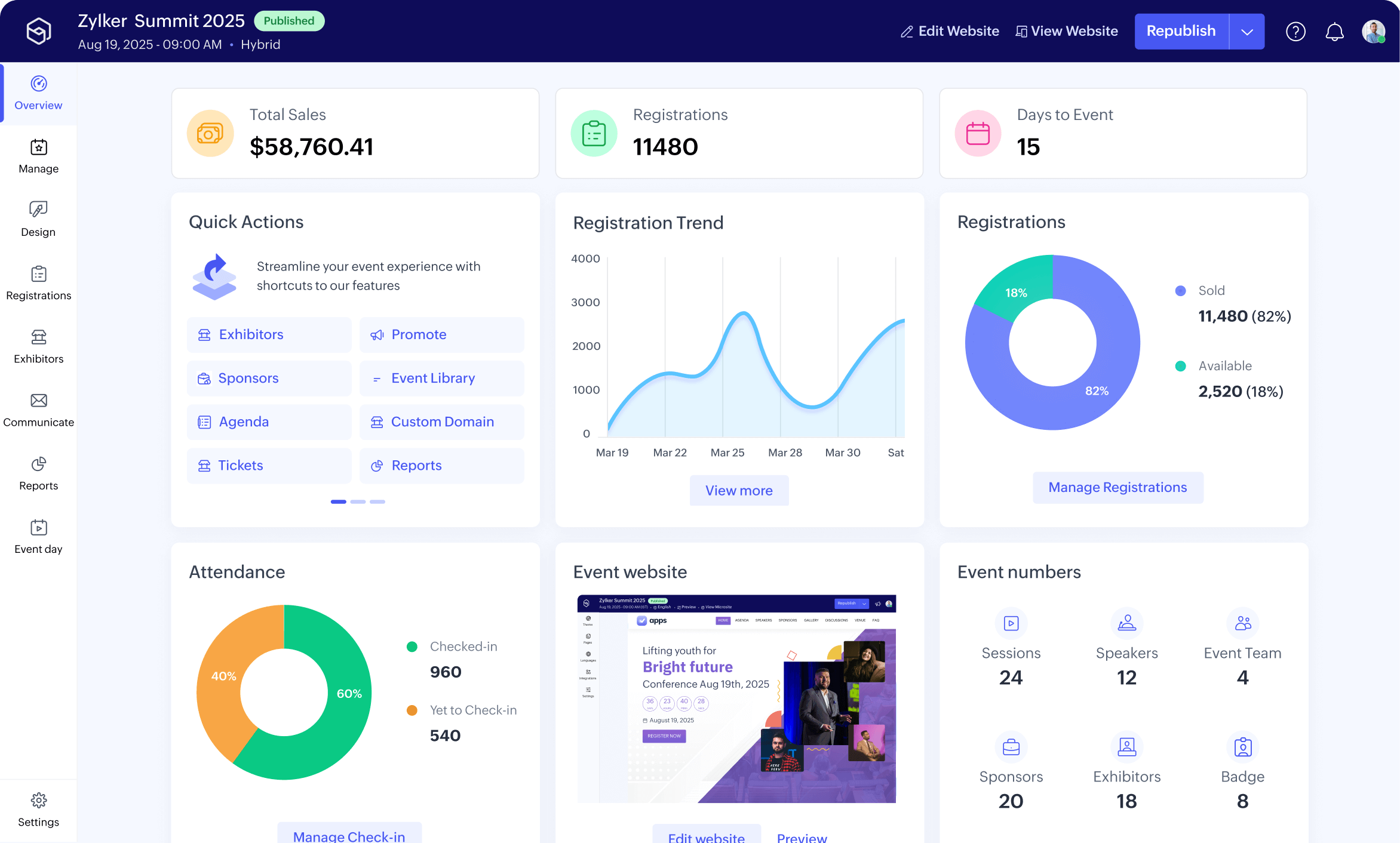
Try Backstage
Publish a draft event page and test the registration.
Start a free trial →Have us implement it
Implemented by a Zoho Advanced Partner, and supported after go-live.
Talk to us →What running an event on one platform changes.
- A branded event website and registration page, published without waiting on a web team.
- Tickets, tiers, and promo codes in one flow, with each payment tracked and reconciled.
- Agenda, sessions, and speakers managed in one place, with every change reaching attendees the moment it happens.
- On-site check-in and badge printing that keep the queue at the door short.
- An attendee app for the schedule, and a sponsor-and-exhibitor view that shows the event's worth in numbers.
Every stage of the day, on one platform.
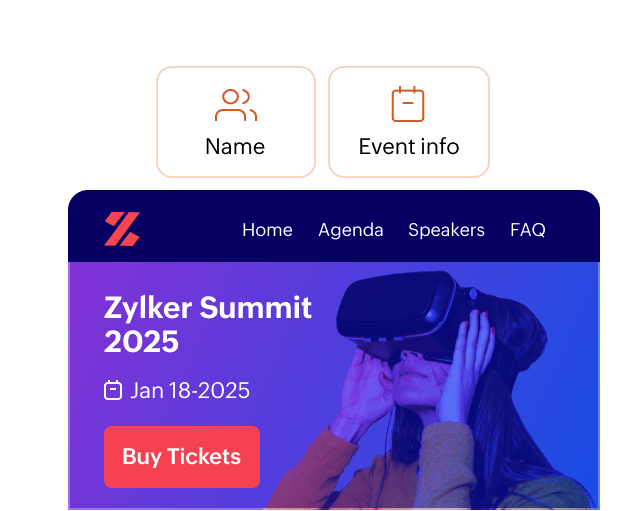
A site you publish
Build and brand the event page yourself, and publish it the same afternoon.
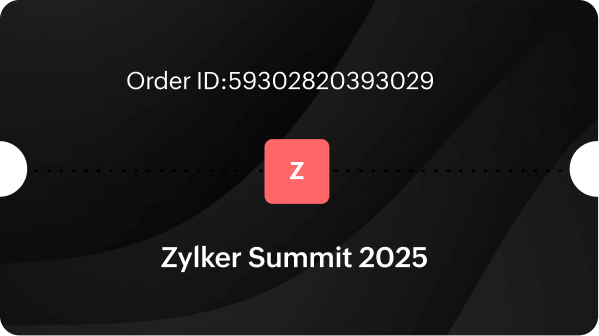
Registration that sells
Tickets sold by tier, with promo codes and payment in one flow.
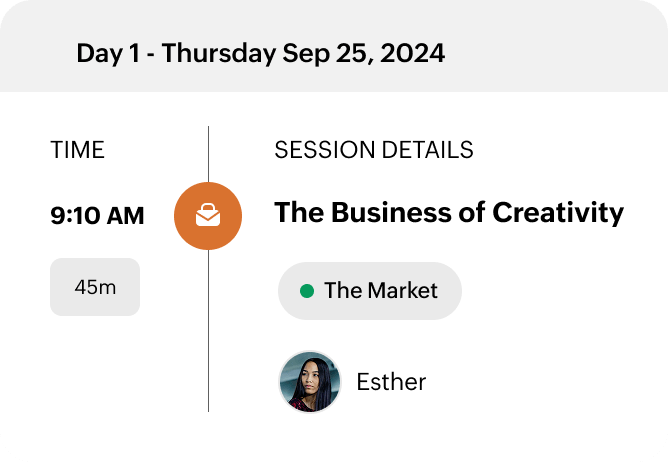
The programme
Sessions, tracks, and speakers in one place. A change reaches everyone at once.
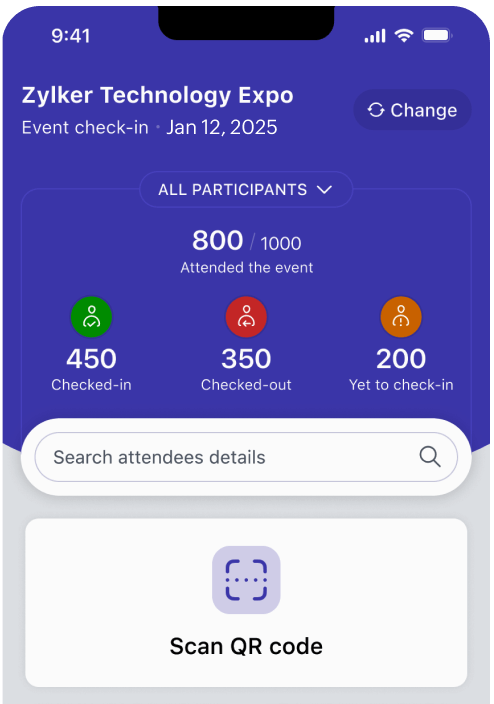
On the day
Check-in, badges, and an attendee app that carries the schedule.
Where it sits.
Backstage is the front of house for the events an organisation runs: conferences, launches, training, roadshows. CRM Plus keeps the relationship and marketing runs the campaign. Backstage runs the day itself, in person, online, or hybrid.
Registrations flow into Zoho CRM as contacts, and ticket revenue and event spend reconcile through Zoho Finance. The event becomes a measured part of the business, not a line item you settle afterwards.
Where we deploy it.
The software is the licence. The system is the work.
Zoho builds the platform. We build what your business runs on it — diagnosed, designed, implemented, and supported for as long as you run it. How we work → Ongoing support →
Tell us what you're staging.
We'll tell you what Backstage needs for it, and where it connects to the rest of your Zoho.